Notes and tasks,
encrypted on your own device.

Privacy by design, not by promise — your password never leaves your browser, and the entire source code is right there to prove it.

🔒Client-side encryption
📖Open, readable source
🌐No CDN in the app itself
SafeNoter tree of notes and tasks
Philosophy

Why “trust us” isn't good enough

We constantly write things down and organize them: notes, ideas, account credentials, tomorrow's plans — and tasks we need to see through. There are plenty of products for that. But let's ask ourselves one question: how secure is it, really?

This information is rarely meant to be public. And once we get used to keeping everything in one place — personal notes right next to passwords — we're basically putting all our eggs in one basket. That's not a problem by itself. It's a problem only if that basket isn't secure enough.

With open-source software on your own device, everything's fine — the code can be read and trusted. But the moment “the cloud” enters the picture, a dilemma appears. Does the service really have no access to your data? What happens if the company is sold or shut down? And if it's free — what's it actually making money from?

There's a radically simple answer to all of this: don't take it on faith — be able to verify it. Any developer who knows JavaScript can open SafeNoter's code and see for themselves: data is encrypted right on your device, with your own password — and no server ever sees it.

You can store the same data simultaneously in several places — locally, on your own Google Drive, on your own web address — always encrypted. A server outage or a data-center breach isn't a problem, because a copy always exists somewhere else.
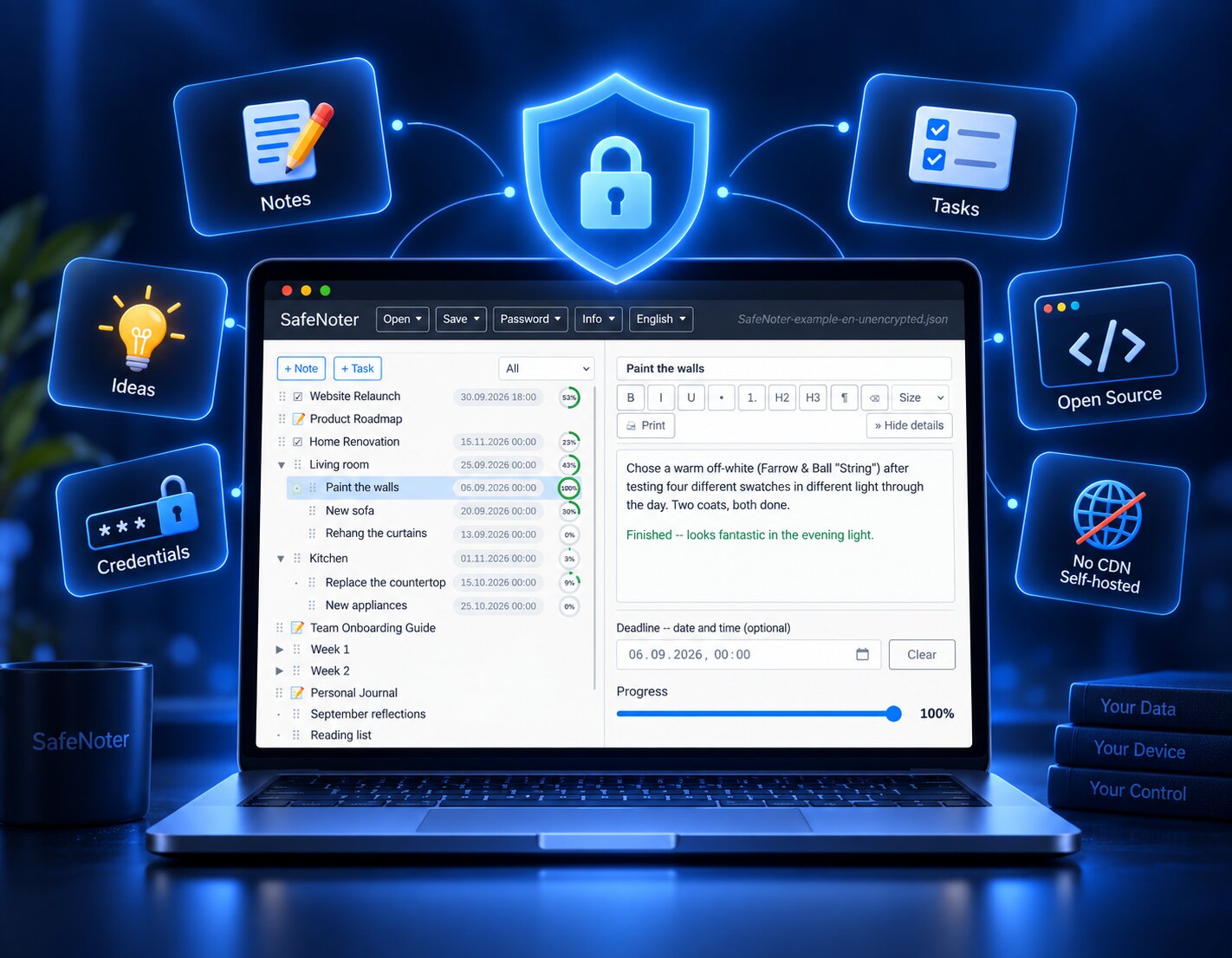
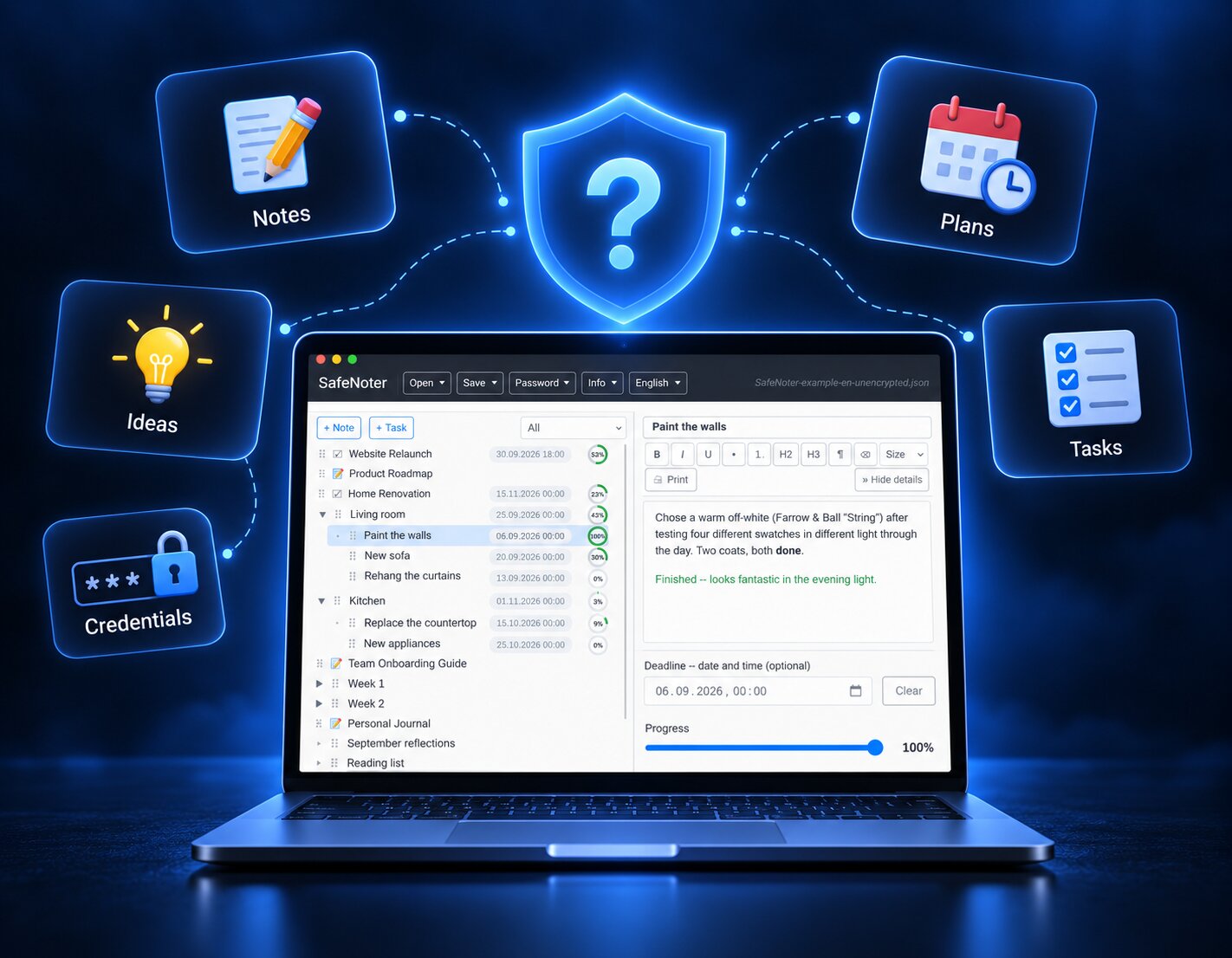
1 / 5

Read the full breakdown, including exactly how the encryption works →

What you get

Philosophy, built into the code

Click any card for details and a concrete example.

🔒

Security

Everything is encrypted with your own password, right in your browser, before it ever leaves your device.

+
📖

Open source

Every line of code is plain and readable. No build step, no obfuscation, nothing to just take our word for.

+
🧩

Notes + tasks

One tree, two kinds of branches — deadlines and progress right where you need them.

+
☁️

Several storages at once

Local file, Google Drive, your own web address — the same data, several places, always encrypted.

+
🌐

WEB mode

Claim a subdomain and start writing immediately — no file, no install, just a password only you know.

+
🛡️

Autonomy

Self-host it if you ever need to — a safeguard for the worst case, always available because the code is yours to run.

+

Every save — local file, Google Drive, or a WEB address — is encrypted with Blowfish (CBC mode, PKCS5 padding, a fresh random IV every single time) using a password only you know. The password itself never reaches any server, not even ours: a one-way PBKDF2 proof confirms you know it, without ever transmitting it.

Example: save the exact same note three times in a row — the encrypted bytes on disk are different every time, because the IV changes, even though the content didn't.

Every file — the tree logic, the crypto wrapper, the editor — is plain, unminified JavaScript you (or any AI tool) can open and read in seconds. No CDN scripts in the app itself, so nothing loads silently from somewhere else at runtime.

Example: the entire encryption implementation lives in one small file with no dependencies beyond the cipher itself — not hundreds of files behind a build step.

A root branch is either a note or a task, and every nested sub-branch inherits its root's type. A task's progress is either set directly or, if it has children, calculated automatically as their average.

Example: a “Website Relaunch” task with three sub-tasks at 100%, 50%, and 0% shows 50% on the parent — recalculated live the moment you update any child.

Save the exact same encrypted file locally, to your own Google Drive, and to a SafeNoter web address — simultaneously, each fully independent of the others.

Example: your laptop's disk fails the same week your WEB subdomain has downtime — your Google Drive copy is still there, and still unreadable to anyone without your password.

Open any subdomain of the app and start writing immediately — no file to create, no account to register.

Example: a fresh subdomain is “free” until someone saves the first note there; after that, only the correct password can overwrite it — enforced by a one-way proof, not by a login system.

The whole app is a static site plus one small server endpoint for WEB mode — nothing exotic. Under the AGPL-3.0 license, you're free to run it yourself, no permission needed.

Example: point any web server at the same files this site uses, and WEB mode works identically — on infrastructure only you control.

See it for yourself

SafeNoter, trusted by design

A quick walkthrough of the tree, the editor, and WEB mode — using the real app, not mockups.

Write your first note in under a minute

No account, no sign-up form — just a password only you know.

Open SafeNoter →
Get in touch

Questions? Just ask.

No support tickets, no chatbots — write directly.